Mission Support Apps

Sortie Briefings
Digital Worksheets & Reports
Mission Notes & Tracks

Mission Support Tools

iOS tools for CAP-oriented mission support, maintenance flights, and flight planning reference

Independent applications. Not endorsed by Civil Air Patrol. No revenue is generated from app use.

Mountain Worksheet icon

Mountain Worksheet

Available Now

POH-based flight planning reference with performance calculations for high-elevation operations

Density Altitude POH Performance PDF Reports
View Details
Grid Planner icon

Grid Planner

In Development

Tactical grid and search management tools tailored for mission planning and SAR operations

Grid Planning Search Patterns
CAP Maintenance Pilot icon

CAP Maintenance Pilot

In Development

Maintenance-flight documentation app for aircraft delivery, post-maintenance acceptance, engine break-in sorties, and reports

Acceptance Flights Engine Data PDF Reports
View Details

CAP aircrew reference

Mission Briefing Examples

Search CAP mission symbols and review ready-to-adapt examples for objectives, deliverables, actions, hazards, special instructions, and crew notes.

SortieTrack

Download on the App Store

SortieTrack Mission Support Reference

SortieTrack organizes sortie details, briefing notes, flight events, GPS tracks, fuel receipts, and postflight notes in one iOS workflow.

Mission details such as aircraft assignments, crew roles, planning data, weather, and notes can be kept with the sortie record for later review and reporting.

All SortieTrack features are included. There is no subscription, trial timer, or Premium gate. Live flight logging, GPS tracks, AI-assisted mission results, fuel receipts, exports, and iCloud sync are available to every user.

Record Keeping

  • Automatically organize mission details, crew roles, and planning data
  • One-touch logging for engine, takeoff, landing, and mission events
  • AI-assisted mission results drafting for Summary, Results, and Remarks
  • Fuel receipt capture and annotation, including multi-sortie receipts

Briefing and Review

  • Briefing dashboard with live METAR/TAF updates
  • Persistent GPS track recording from engine start to engine stop
  • KML and GPX export plus KML import for post-mission review
  • Structured, WMIRS-friendly data that minimizes transcription mistakes

Exports and Sync

  • Reusable sortie details, fuel notes, and report text
  • Automatic notifications to designated contacts when needed
  • Quick weather entry, instant debrief notes, and exportable reports
  • iCloud sync across devices, included at no cost

SortieTrack Access and Guides

SortieTrack is available on the App Store with live flight logging, persistent track exports, AI-assisted mission results, fuel receipt capture, weather, and iCloud sync included.

WMIRS is a proprietary system of Civil Air Patrol. SortieTrack is an independent product and is not endorsed by or affiliated with Civil Air Patrol.

Mountain Worksheet

Available Now

POH-Based Mountain Flight Planning for High-Altitude Flying

Mountain Worksheet provides POH-based performance calculations for high-elevation airports and mountain operations. It organizes worksheet inputs, density altitude, takeoff and landing distances, climb performance, and PDF output.

Real POH Data

  • Calculations are driven by official POH performance tables, not generic estimates
  • Supports Cessna 172S, 182T, T182T, and T206H aircraft
  • Weight-adjusted results reflect your actual loading, not a canned profile
  • Critical V-speeds update for your specific weight and phase of flight

Mountain-Specific Planning

  • Calculates density altitude, pressure altitude, climb rates, and service ceiling
  • Models takeoff and landing distances for both ground roll and 50-foot obstacle clearance
  • Includes canyon turn speeds, flap configuration guidance, and lapse-rate adjustments
  • Flags dangerous combinations of heat, weight, and degraded climb performance

Operational Workflow

  • Fetches airport elevation, temperature, altimeter settings, and winds aloft automatically
  • Generates compact PDF reports sized for a kneeboard or flight bag
  • Works well for mountain operations, backcountry flying, training, and cross-country planning
  • Designed to support informed planning decisions before you ever taxi out

Mountain Worksheet Access and Guide

Mountain Worksheet is available on the App Store. The user guide covers worksheet entry, performance planning, checklist screens, and PDF export.

CAP Maintenance Pilot

In Development

Maintenance Flight Documentation

CAP Maintenance Pilot organizes maintenance-flight details for new aircraft delivery, post-maintenance acceptance flights, and engine break-in sorties.

Mission details, worksheet data, checklist completion, engine readings, photos, and discrepancies can be kept together for review and PDF export.

Guided Mission Flows

  • Purpose-built workflows for aircraft delivery, post-maintenance acceptance, and engine break-in missions
  • Mission details stay organized from planning through final report generation
  • On-device persistence keeps in-progress missions available while crews are still working
  • Required checklist items are tracked in sequence so key steps are not missed

Digital Documentation

  • Includes a digital Aircraft Maintenance Acceptance Worksheet tailored to the mission
  • Discrepancies can be logged in context with notes, photos, and supporting details
  • Shareable PDF exports package the worksheet and mission summary for follow-on review
  • Consistent worksheet and mission summary output for maintenance flight review

Engine & Review Data

  • Timer-driven engine data collection supports disciplined capture during break-in and acceptance flying
  • POH-based performance references support engine break-in planning before launch
  • Photos and discrepancy evidence stay attached to the mission record instead of living in separate folders
  • Outputs are structured to help Wing Maintenance and follow-on reviewers see what happened quickly

Maintenance Flight Reference Materials

CAP Maintenance Pilot includes mission results, worksheets, engine data, discrepancies, photos, and PDF reports for maintenance flight documentation.

SortieTrack Flight Workflow

How SortieTrack organizes preflight, flight logging, and postflight information

1

Preflight

Instant Mission Import and Briefing Completion

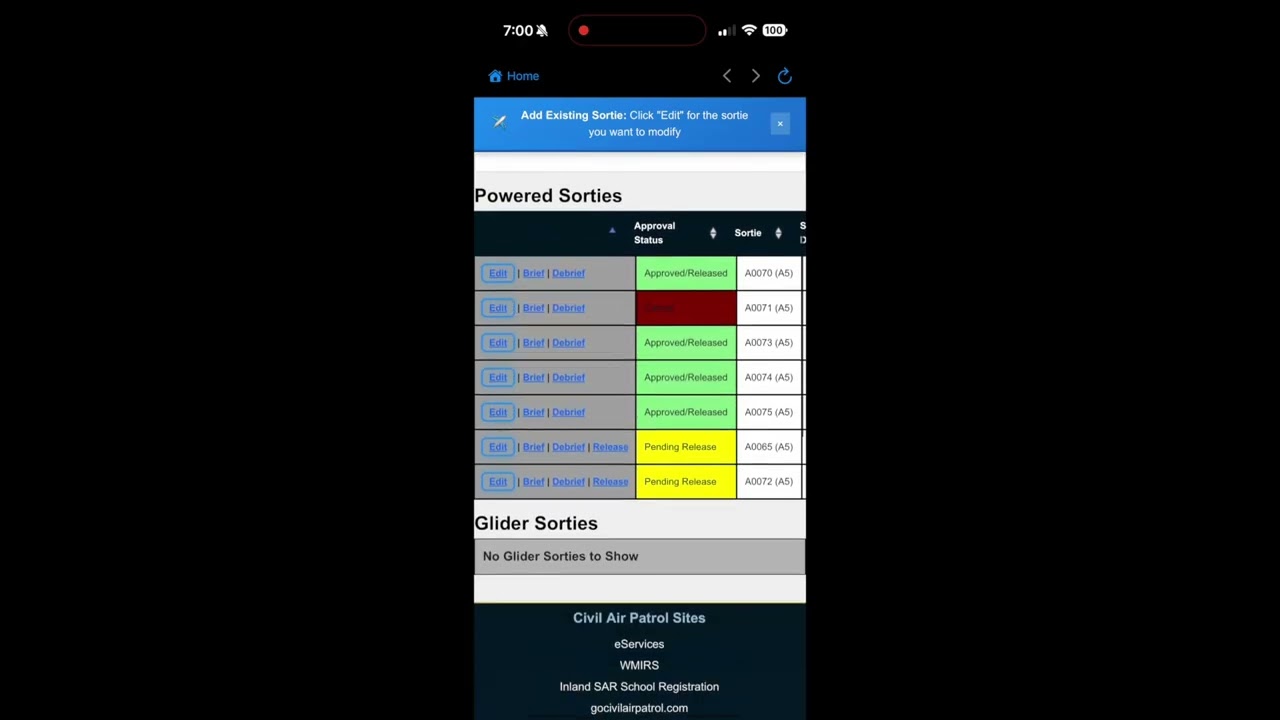
Import sortie details from the mission management system when available

Live Weather Integration

Automatic METAR/TAF updates for departure and arrival airports

Digital Briefing Form

Default values populate Briefing form automatically

ORM assistance provided

2

During Flight

One-Touch Logging

Engine start/stop, wheels up/down, grid entry/exit

Continuous GPS Tracking

Automatic position, altitude, and timing records during the flight

Automatic designated contact notifications

Engine start/stop texts sent automatically to your designated contact

3

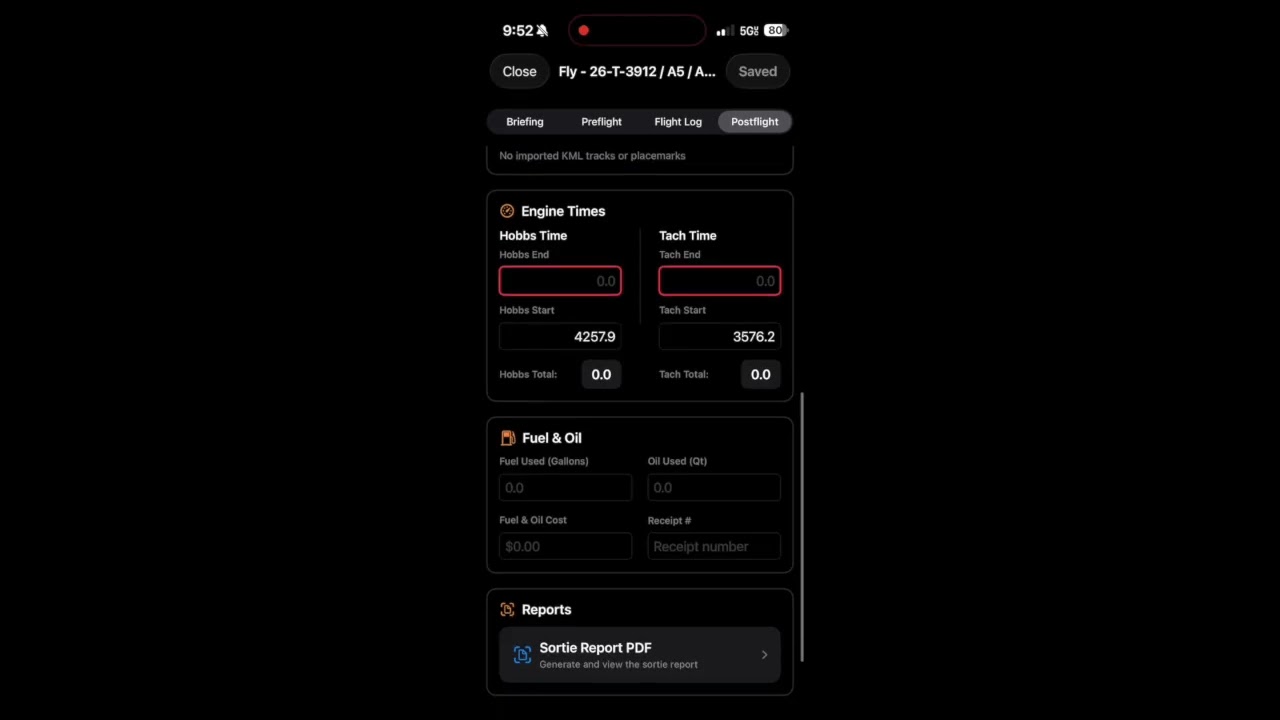
Postflight

Instant PDF Reports

Auto-generated flight time logs ready for AIF recording

Smart Fuel Receipts

Camera capture with automatic annotation and easy mission-system upload

Direct mission-system sync

App data synced directly to your mission management system

SortieTrack App Store Listing

SortieTrack includes briefing, flight logging, GPS track recording, fuel receipt capture, exports, and iCloud sync.

Download on the App Store

User Guides & Documentation

Reference guides for setup, workflows, exports, and troubleshooting

CAP Maintenance Pilot User Guide

Reference for delivery mission setup, acceptance worksheet flow, discrepancy tracking, break-in logging, and PDF export.

Read Guide

Getting Started with SortieTrack

Complete setup guide for new users including mission management system integration and initial configuration.

Read Guide

SortieTrack Security FAQ

Answers about NHQ review, credential storage, FRO data, MFA, WMIRS behavior, and aircrew use.

Read FAQ

Mission Briefing Examples

Interactive mission-symbol examples for objectives, deliverables, hazards, special instructions, and crew notes.

Explore Examples

Mountain Worksheet User Guide

Reference for worksheet inputs, POH-based performance planning, winds aloft, checklist screens, and PDF export.

Read Guide

Troubleshooting

Common setup, sync, export, and mission-system issues.

Read Guide

SortieTrack Tutorials

Short tutorial videos covering SortieTrack setup, briefing, flight logging, and debriefing

First Sortie with SortieTrack thumbnail

First Sortie

Initial SortieTrack setup and preparation for a first sortie in the app.

Brief with SortieTrack thumbnail

Brief with SortieTrack

Review and complete your sortie briefing workflow in SortieTrack, including mission details, briefing fields, ORM, and release preparation.

Flying with SortieTrack thumbnail

Flying with SortieTrack

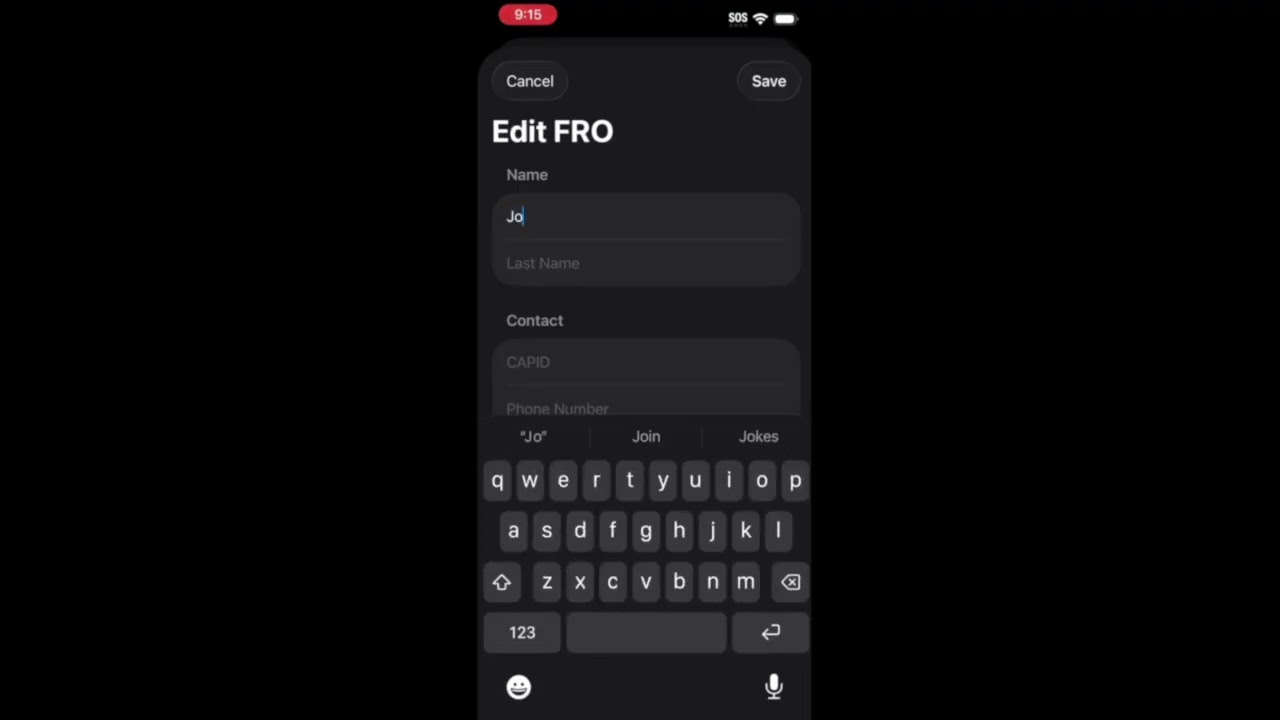
Engine start through postflight, including FRO texts, flight log entries, time records, AIF log support, and AI-assisted mission results.

Debrief with SortieTrack thumbnail

Debrief with SortieTrack

Debrief workflow, capture the fuel receipt, and sync data back to your mission management system.

About ezaero, Ltd.

ezaero develops iOS applications for aviation workflows, including mission sorties, mountain flying, maintenance acceptance, and delivery flights.

The apps are built around practical field workflows: structured notes, repeatable checklists, data capture, and exportable reports.

4 Apps in Portfolio
2 Live or In Beta
100+ Operational Features

Aviation Excellence

Contact

Support questions, app feedback, and documentation corrections can be sent by email.

Email Support & General Inquiries

support@ezaero.com