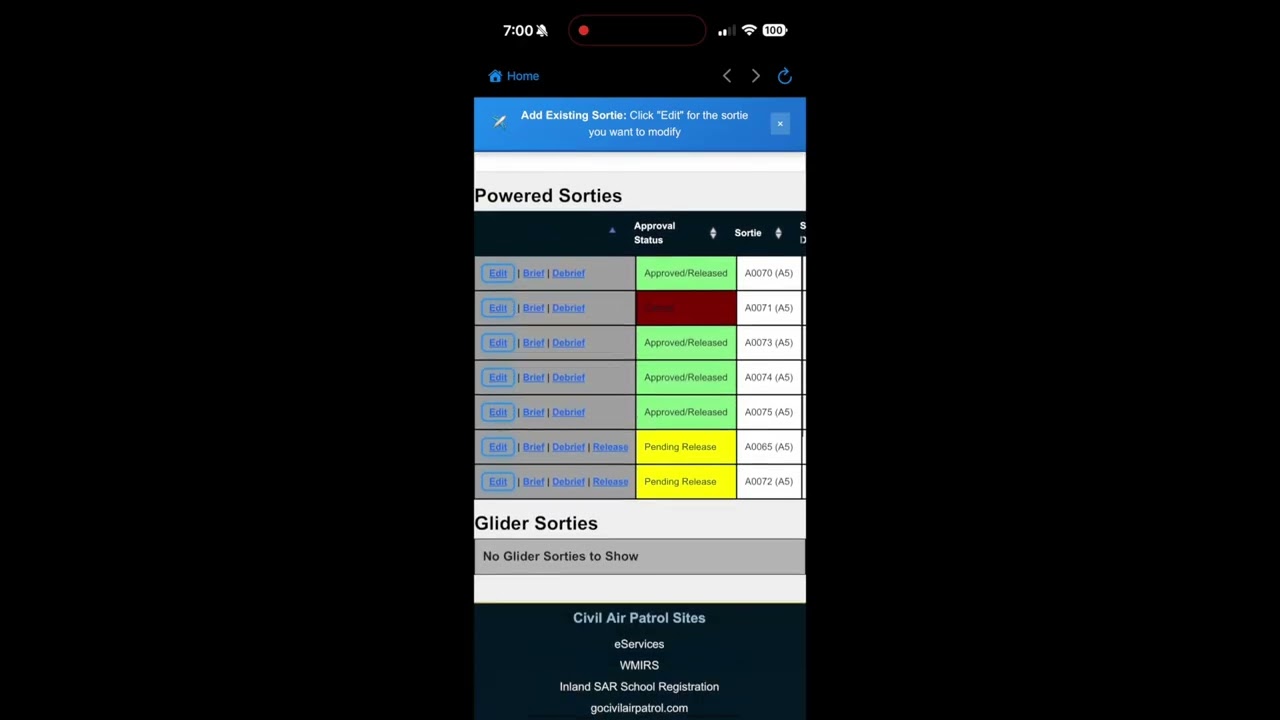
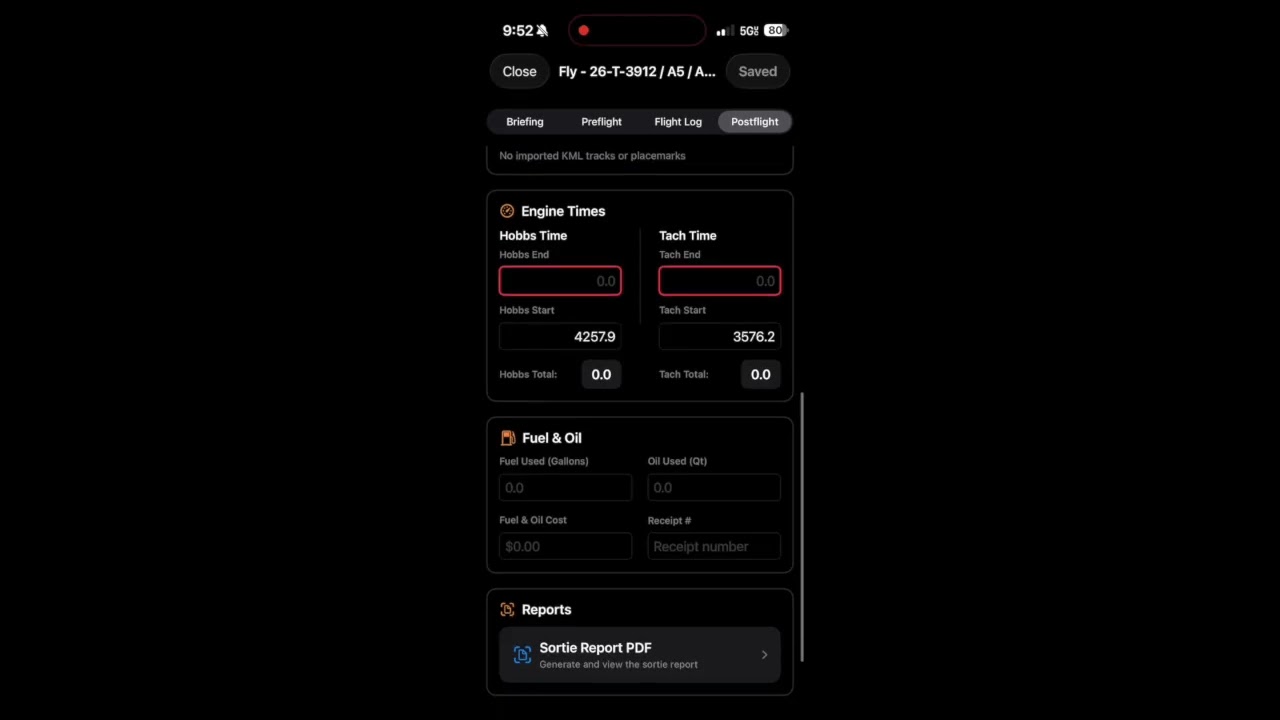
SortieTrack organizes sortie details, briefing notes, flight events, GPS tracks, fuel receipts, and postflight notes in one iOS workflow.
Mission details such as aircraft assignments, crew roles, planning data, weather, and notes can be kept with the sortie record for later review and reporting.
All SortieTrack features are included.There is no subscription, trial timer, or Premium gate. Live flight logging, GPS tracks, AI-assisted mission results, fuel receipts, exports, and iCloud sync are available to every user.
Record Keeping
Automatically organize mission details, crew roles, and planning data
One-touch logging for engine, takeoff, landing, and mission events
AI-assisted mission results drafting for Summary, Results, and Remarks
Fuel receipt capture and annotation, including multi-sortie receipts
Briefing and Review
Briefing dashboard with live METAR/TAF updates
Persistent GPS track recording from engine start to engine stop
KML and GPX export plus KML import for post-mission review
Structured, WMIRS-friendly data that minimizes transcription mistakes
Exports and Sync
Reusable sortie details, fuel notes, and report text
Automatic notifications to designated contacts when needed
Quick weather entry, instant debrief notes, and exportable reports
iCloud sync across devices, included at no cost
SortieTrack Access and Guides
SortieTrack is available on the App Store with live flight logging, persistent track exports, AI-assisted mission results, fuel receipt capture, weather, and iCloud sync included.
WMIRS is a proprietary system of Civil Air Patrol. SortieTrack is an independent product and is not endorsed by or affiliated with Civil Air Patrol.
Mountain Worksheet
Available Now
POH-Based Mountain Flight Planning for High-Altitude Flying
Mountain Worksheet provides POH-based performance calculations for high-elevation airports and mountain operations. It organizes worksheet inputs, density altitude, takeoff and landing distances, climb performance, and PDF output.
Real POH Data
Calculations are driven by official POH performance tables, not generic estimates
Supports Cessna 172S, 182T, T182T, and T206H aircraft
Weight-adjusted results reflect your actual loading, not a canned profile
Critical V-speeds update for your specific weight and phase of flight
Mountain-Specific Planning
Calculates density altitude, pressure altitude, climb rates, and service ceiling
Models takeoff and landing distances for both ground roll and 50-foot obstacle clearance
Includes canyon turn speeds, flap configuration guidance, and lapse-rate adjustments
Flags dangerous combinations of heat, weight, and degraded climb performance
Operational Workflow
Fetches airport elevation, temperature, altimeter settings, and winds aloft automatically
Generates compact PDF reports sized for a kneeboard or flight bag
Works well for mountain operations, backcountry flying, training, and cross-country planning
Designed to support informed planning decisions before you ever taxi out
Mountain Worksheet Access and Guide
Mountain Worksheet is available on the App Store. The user guide covers worksheet entry, performance planning, checklist screens, and PDF export.
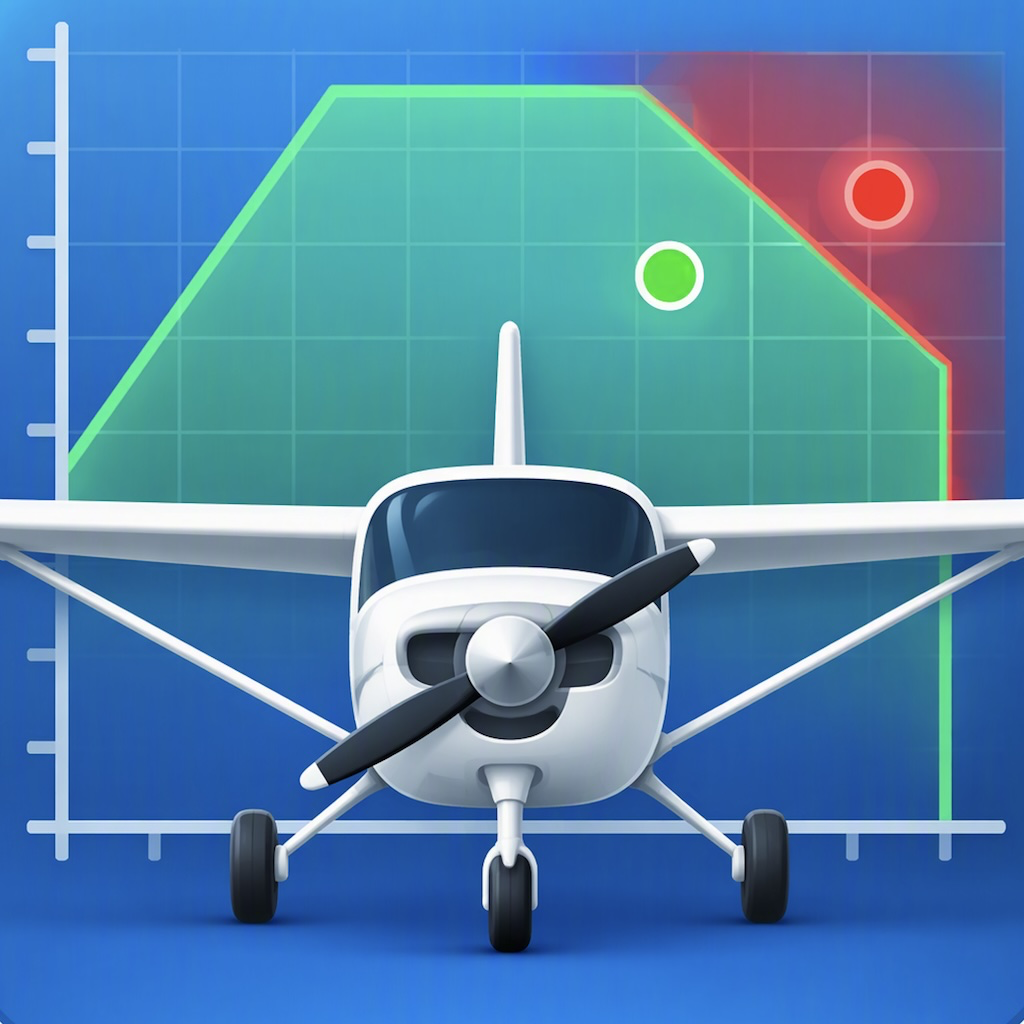
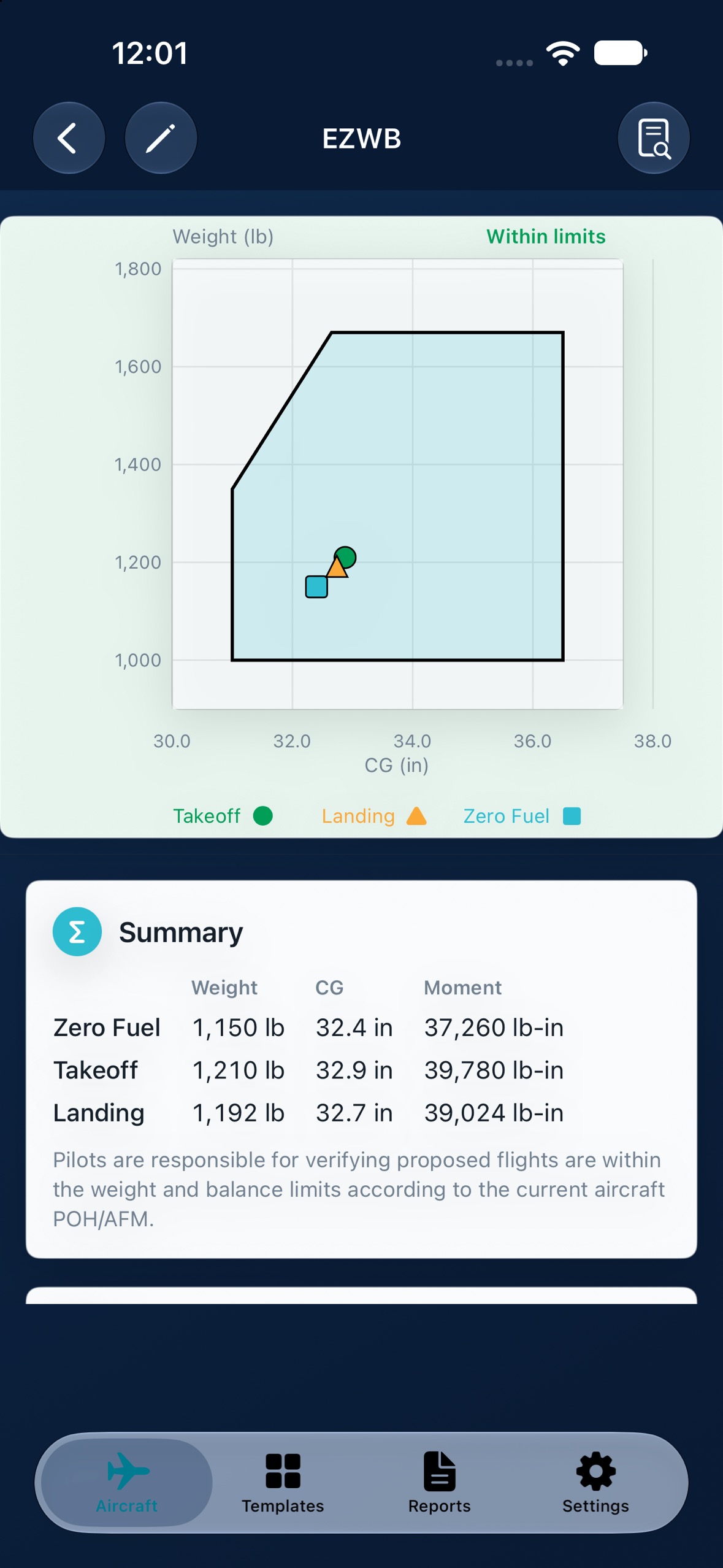
EZWB helps pilots build a weight and balance worksheet quickly with an interactive loading workflow, real-time CG graph, and clear limit status before flight.
Add your aircraft from a template, enter the tail number, empty weight, and empty CG, then adjust passengers, baggage, and fuel while the graph updates live.
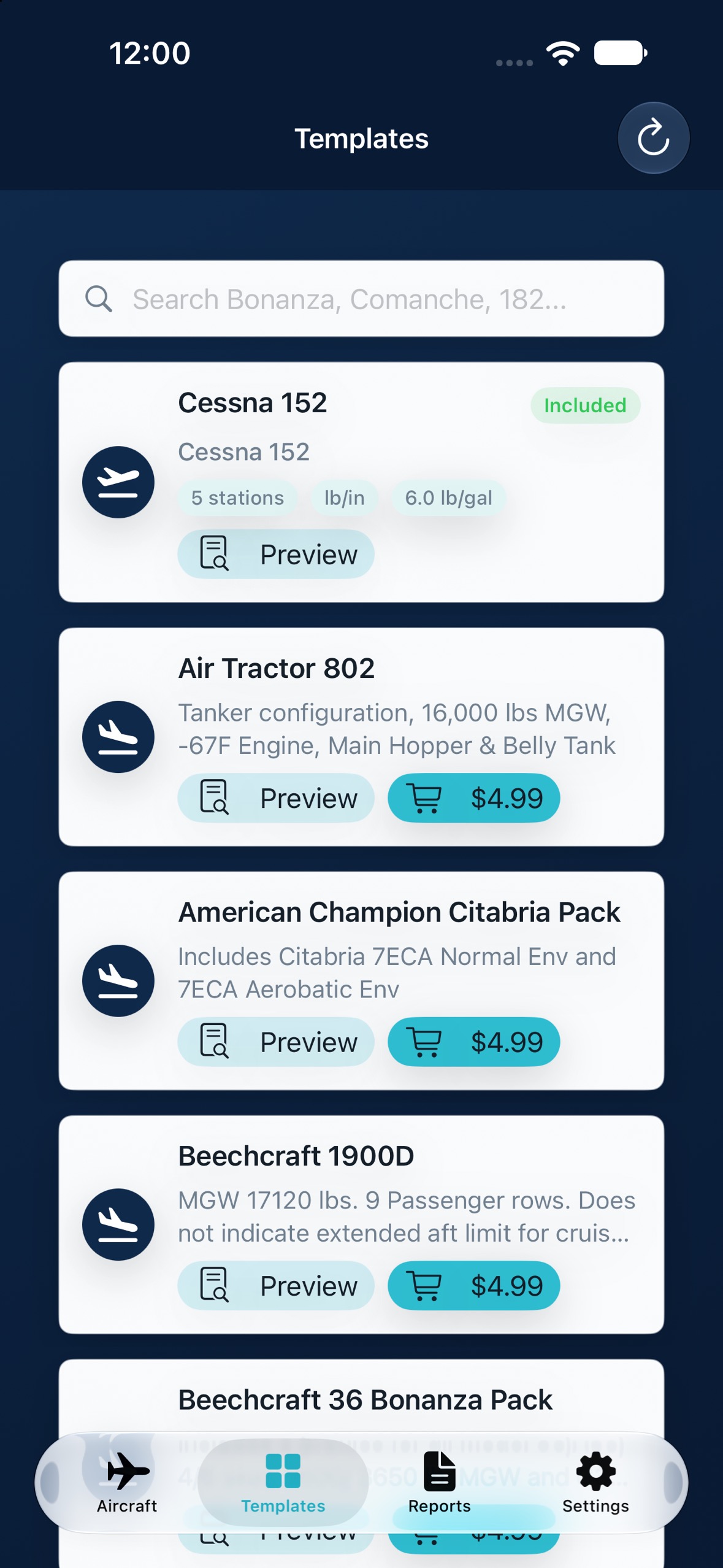
Cessna 152 is included.Additional aircraft templates can be previewed before purchase, so pilots can compare stations and envelopes before adding a template to their library.
Live worksheet and CG graphSearchable aircraft templates
Live Envelope Graph
Graph updates as fuel, passengers, and baggage change
Takeoff, landing, and zero-fuel points are shown together
Clear color states highlight overweight, out-of-balance, and insufficient-fuel conditions
Station arms can be adjusted for your aircraft while certified envelope data stays protected
Aircraft Templates
Search templates by aircraft family, model, or common terms
Preview template envelopes before purchase
Restore purchases and sync aircraft across devices with iCloud
Includes US and metric display options for international workflows
Reports & Sync
Preview a clean PDF report before sharing
Reports are saved for later reference and sorted newest first
iCloud sync keeps aircraft and reports available across iPhone, iPad, and Mac
Designed for preflight planning, instruction, and loading demonstrations
EZWB App Store Download and Guide
EZWB is available on the App Store for iPhone, iPad, and Mac. The user guide covers aircraft setup, template purchases, worksheet entry, units, reports, iCloud sync, and troubleshooting.
EZWB is a planning aid only. Pilots are responsible for verifying all loading, fuel, and center-of-gravity calculations against the current aircraft POH/AFM and applicable operating limitations.
SAR Grid
Available Now
Conventional Search Grid Reference for SAR Planning
SAR Grid helps aircrews, ground teams, mission staff, and SAR personnel quickly view conventional search grids across the continental United States.
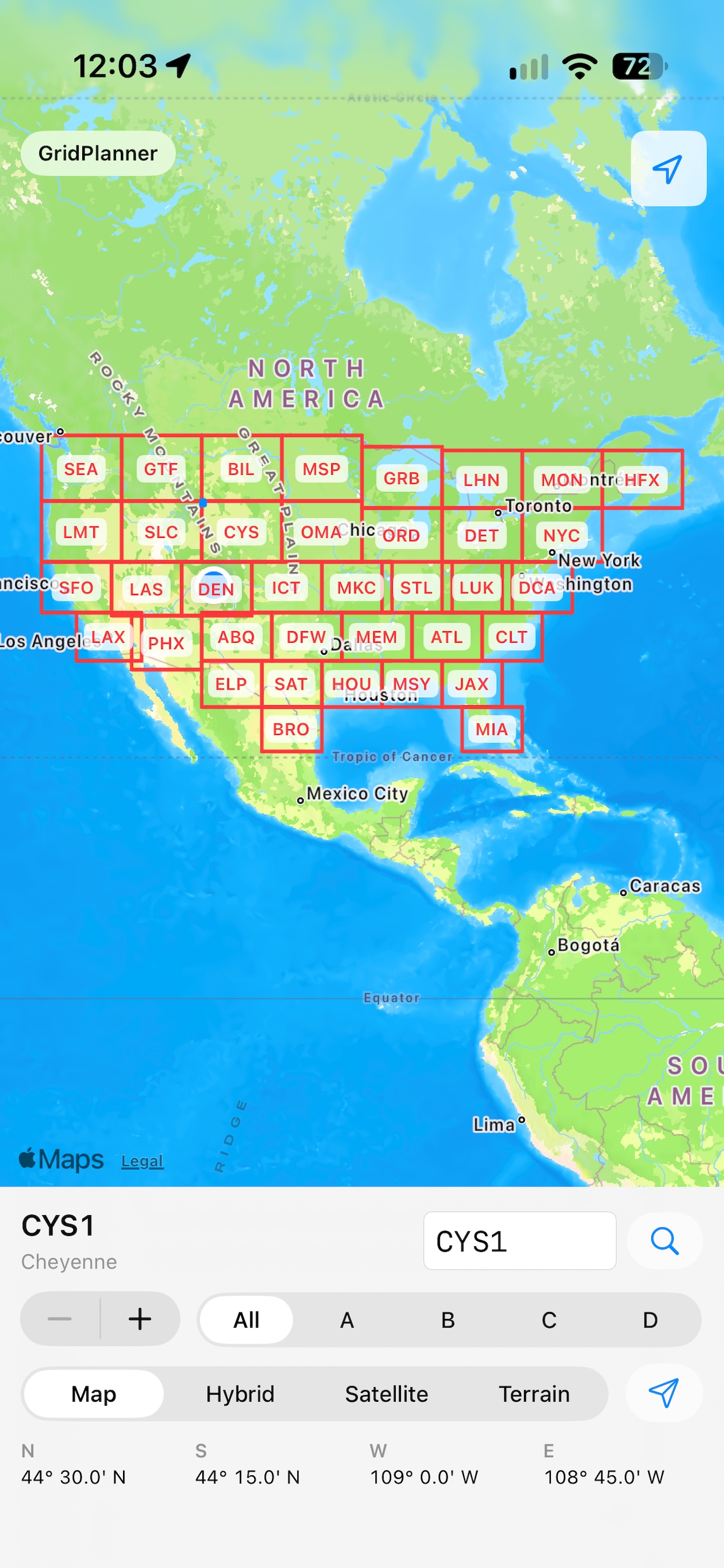
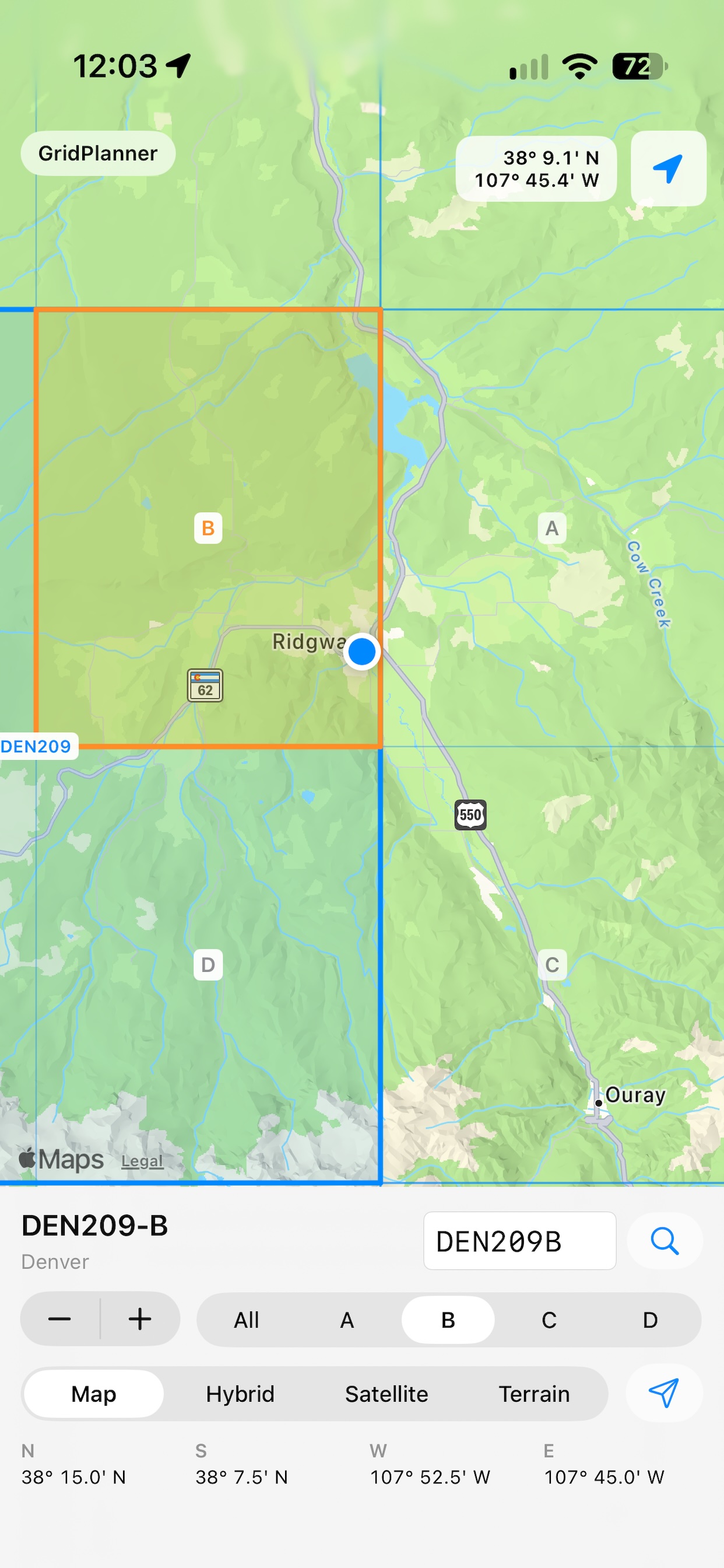
The app opens at a national view with all supported sectionals visible, then lets you tap, long press, double tap, search, or use GPS to identify the nearest major grid, subgrid, and quarter-grid sector.
Available now on the App Store.Download SAR Grid for offline grid lookup, GPS position support, and ForeFlight handoff.
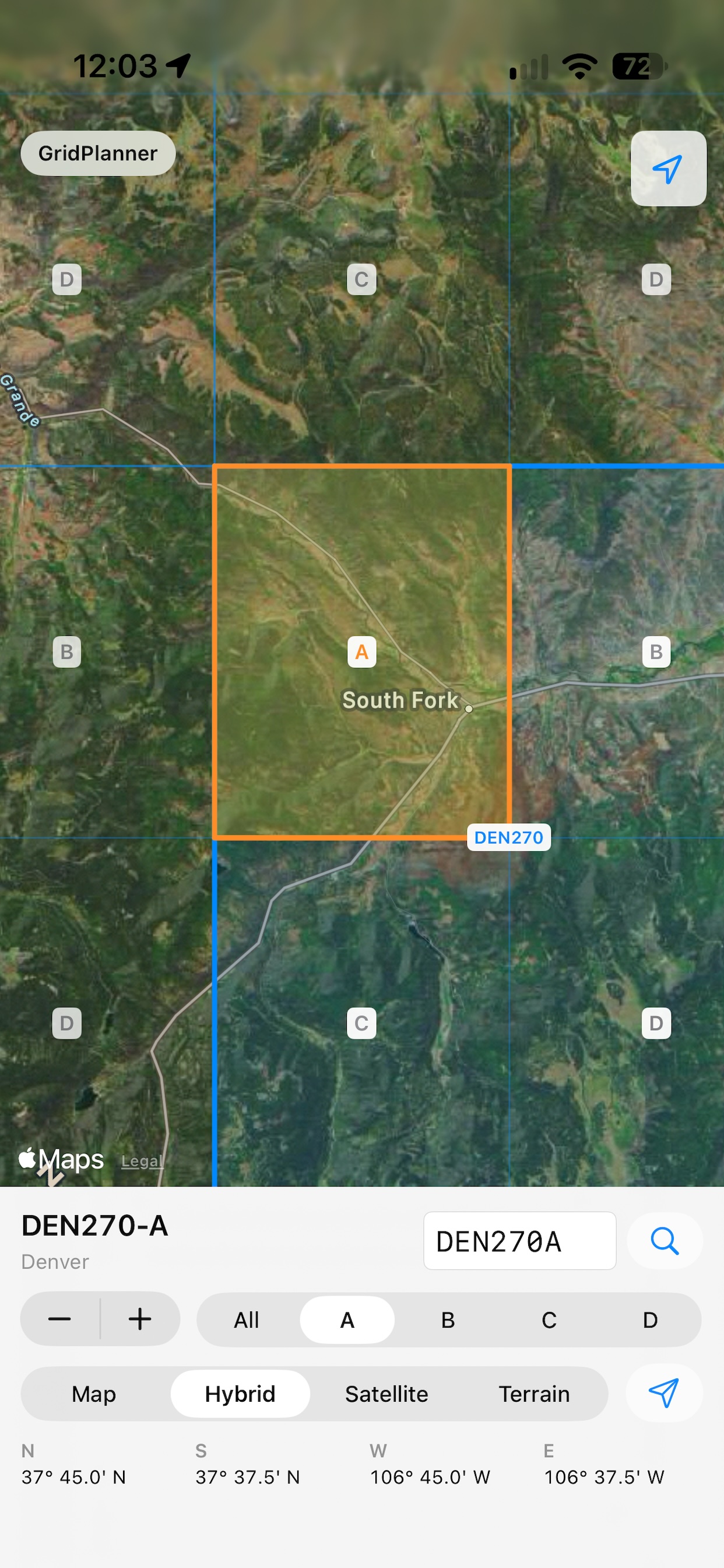
National grid overviewGrid and boundary detailsQuarter-grid selection
Nationwide Grid View
Displays conventional SAR sectional grids for the continental United States
Shows major grid boundaries, subgrid labels, and quarter-grid sectors
Works without selecting a sectional first
Bundled grid data supports offline lookup even away from connectivity
Tap and GPS Lookup
Tap the map to identify the nearest quarter grid
Long press or double tap to set the current grid from the selected point
Center on device location and update the selected grid automatically
Displays latitude and longitude in degrees and decimal minutes
Planning Handoff
Switch between Map, Hybrid, Satellite, and Terrain modes
Review north, south, west, and east grid boundaries at a glance
Send the selected grid route to ForeFlight when installed
Copy route details when ForeFlight is unavailable
SAR Grid App Store Download
SAR Grid is available on the App Store with offline conventional grid lookup, quarter-grid selection, GPS position support, and ForeFlight handoff.
SAR Grid is an independent product and is not endorsed by or affiliated with Civil Air Patrol. It is a reference and planning aid, not a replacement for official mission planning, briefings, navigation, charts, or procedures.
Maintenance Pilot
Available Now
Maintenance Flight Documentation
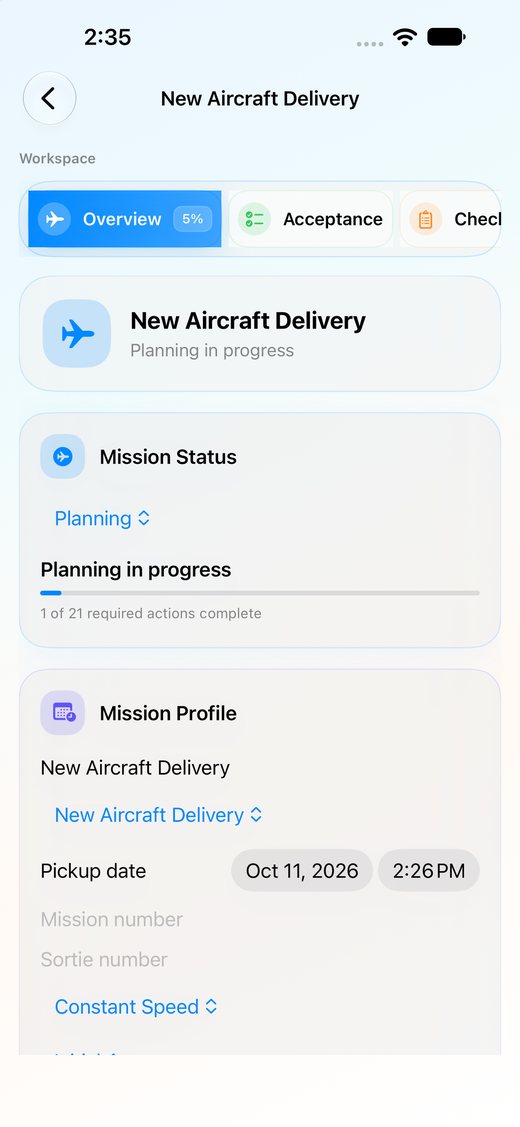
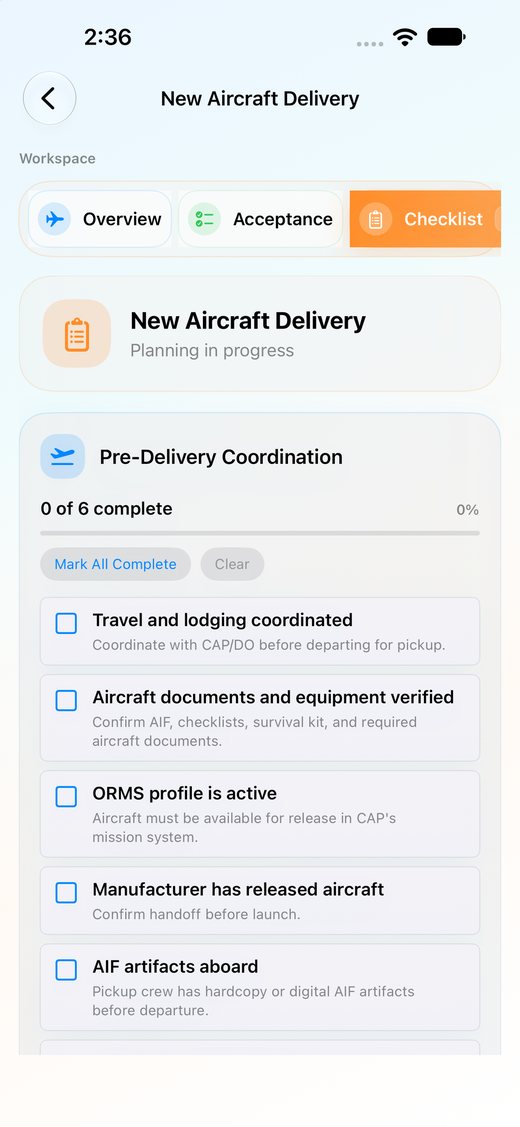
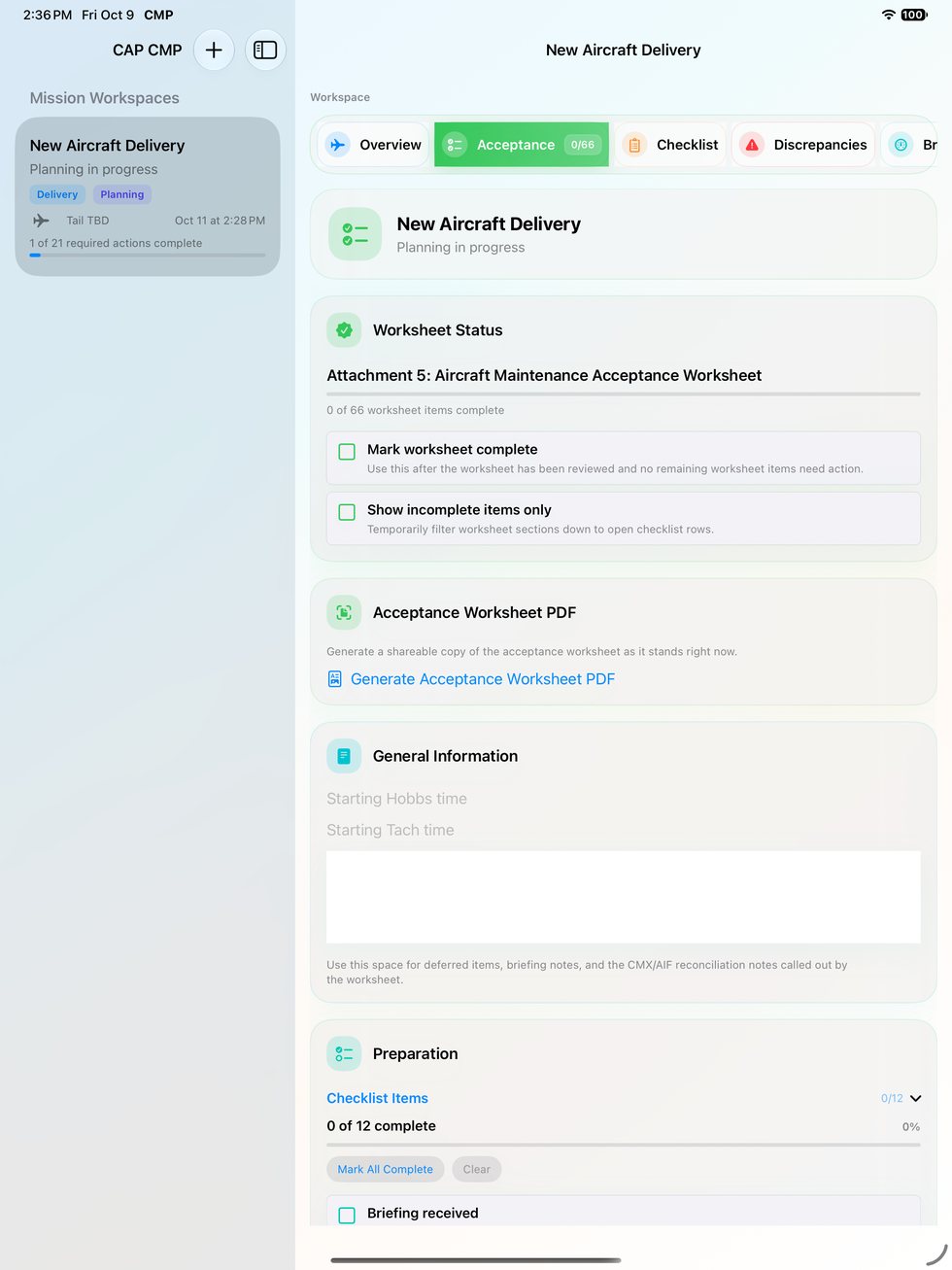
CAP Maintenance Pilot organizes maintenance-flight details for new aircraft delivery, post-maintenance acceptance flights, and engine break-in sorties.
Mission details, worksheet data, taxi and runup capture, engine readings, belly inspection photos, discrepancies, and supporting evidence can be kept together for review and PDF export.
Purpose-built workflows for aircraft delivery, post-maintenance acceptance, and engine break-in missions
Mission details stay organized from planning through final report generation
On-device persistence keeps in-progress missions available while crews are still working
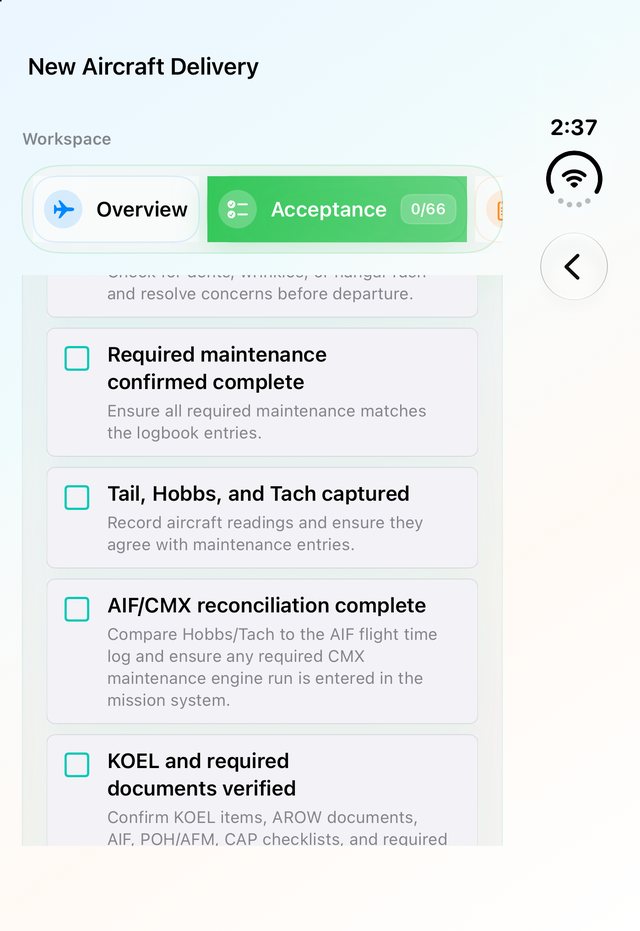
Required checklist items are tracked in sequence so key steps are not missed
Digital Documentation
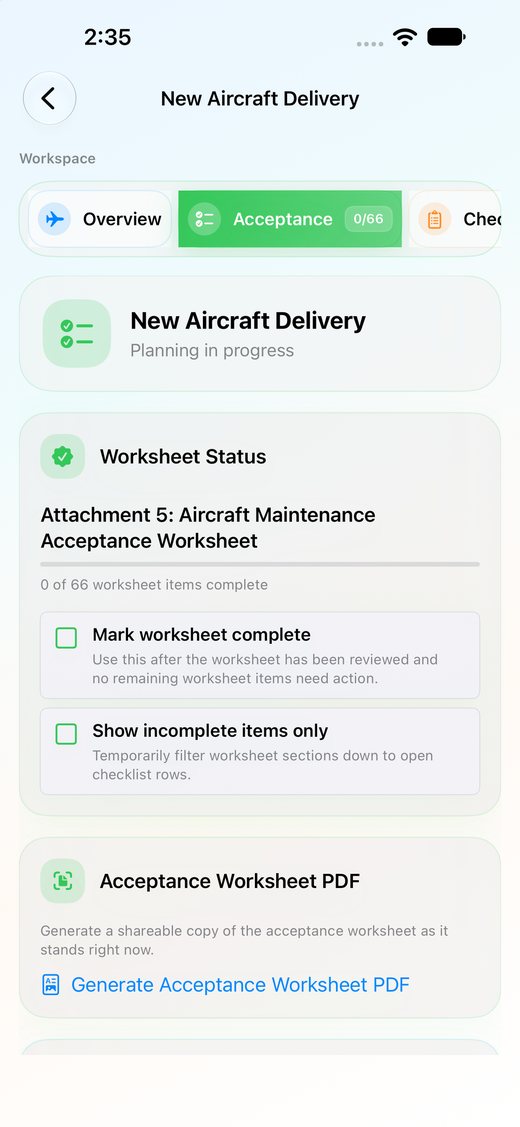
Includes a digital Aircraft Maintenance Acceptance Worksheet tailored to the mission
Discrepancies can be logged in context with notes, photos, and supporting details
Shareable PDF exports package the worksheet and mission summary for follow-on review
Consistent worksheet and mission summary output for maintenance flight review
Engine & Review Data
Timer-driven engine data collection supports disciplined capture during break-in and acceptance flying
POH-based performance references support engine break-in planning before launch
Photos and discrepancy evidence stay attached to the mission record instead of living in separate folders
Outputs are structured to help Wing Maintenance and follow-on reviewers see what happened quickly
CAP Maintenance Pilot App Store Download and Guide
CAP Maintenance Pilot is available on the App Store. The user guide covers mission setup, acceptance worksheet flow, taxi and runup capture, belly inspection photos, break-in logging, discrepancy tracking, and PDF export.
sUAS OPS is available on the App Store for Civil Air Patrol drone mission pilots and technicians.
Sortie details, flight times, battery changes, crew assignments, field notes, checklist progress, and reporting data can be kept together while the sortie is still underway.
Available now on the App Store.Download sUAS OPS for field sortie capture, battery management, checklists, notes, and shareable reports.
Live sUAS Capture
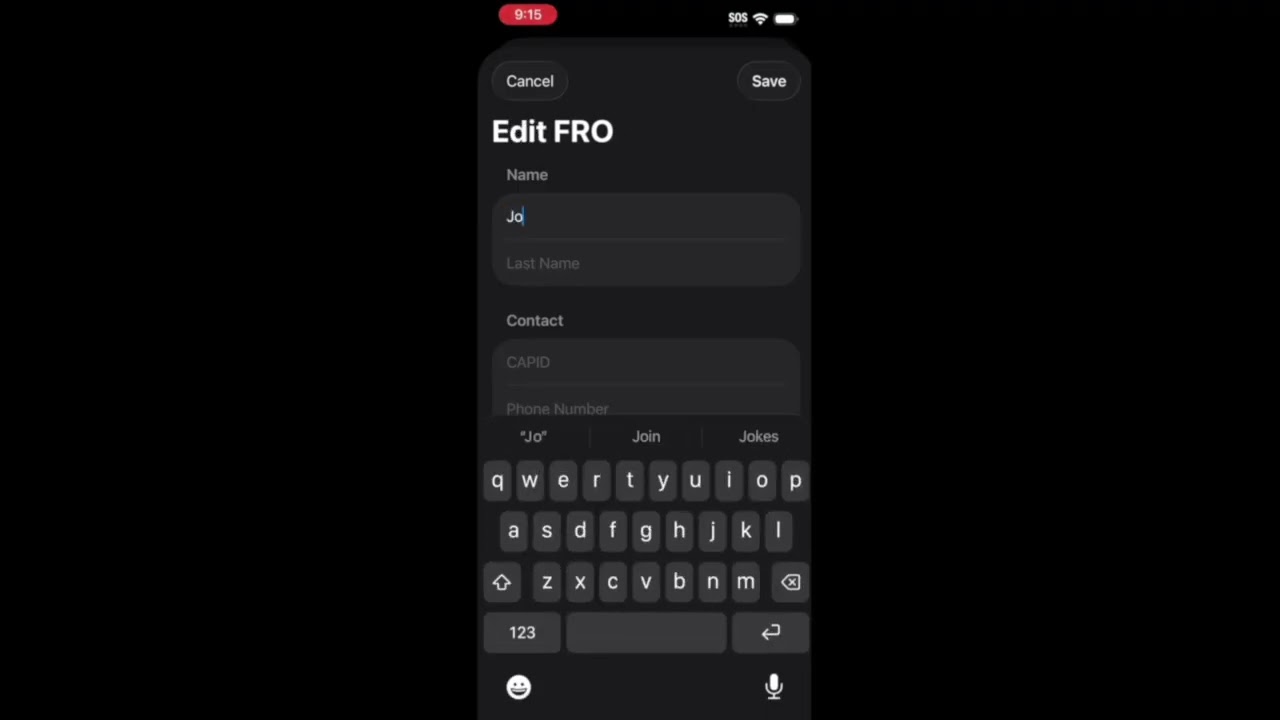
Guided sortie setup for mission number, sortie number, aircraft, crew, and operational defaults
Multiple flights can be tracked under one ground sortie as batteries are changed
Battery on, takeoff, landing, and battery off times are captured during the operation
Pilots and technicians can vary by flight while staying tied to the same sortie record
Battery & Field Notes
Battery charge and remaining percentage can be logged for each flight
Time-stamped field notes support quick capture during and after flight activity
Checklist-driven field guide content supports preflight and operational review
Flight and battery totals help crews review sortie duration and equipment usage
Reports & Form Support
Simple PDF exports collect sortie, flight, battery, crew, and note fields for sharing
CAPF 109U imagery target data is organized from the sortie record
Microsoft Form support helps transfer captured sortie data for final user review and submission
Structured records reduce duplicate entry after the team leaves the field
sUAS OPS App Store Download
sUAS OPS is available on the App Store for live sortie capture, with field notes, battery management, checklist support, and shareable sortie documentation.